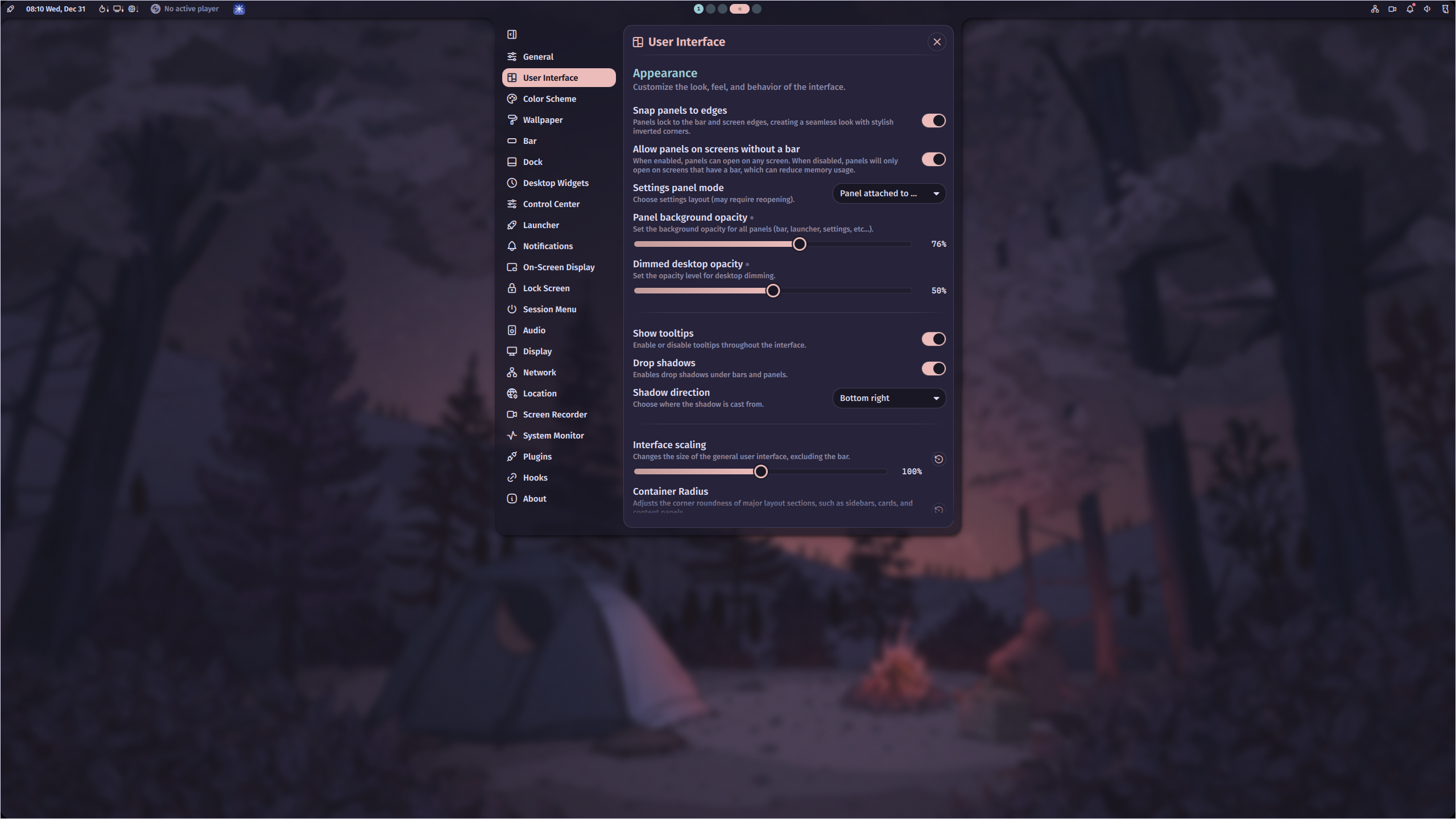
Add the following settings to your Hyprland configuration file (usually located at ~/.config/hypr/hyprland.conf).
These settings are for general window appearance and functionality.
general {
  gaps_in = 5
  gaps_out = 10
}

decoration {
  rounding = 20
  rounding_power = 2

  shadow {
    enabled = true
    range = 4
    render_power = 3
    color = rgba(1a1a1aee)
  }

  blur {
    enabled = true
    size = 3
    passes = 2
    vibrancy = 0.1696
  }
}
Blur
Next, you can enable blur for the Noctalia bar and panels background.
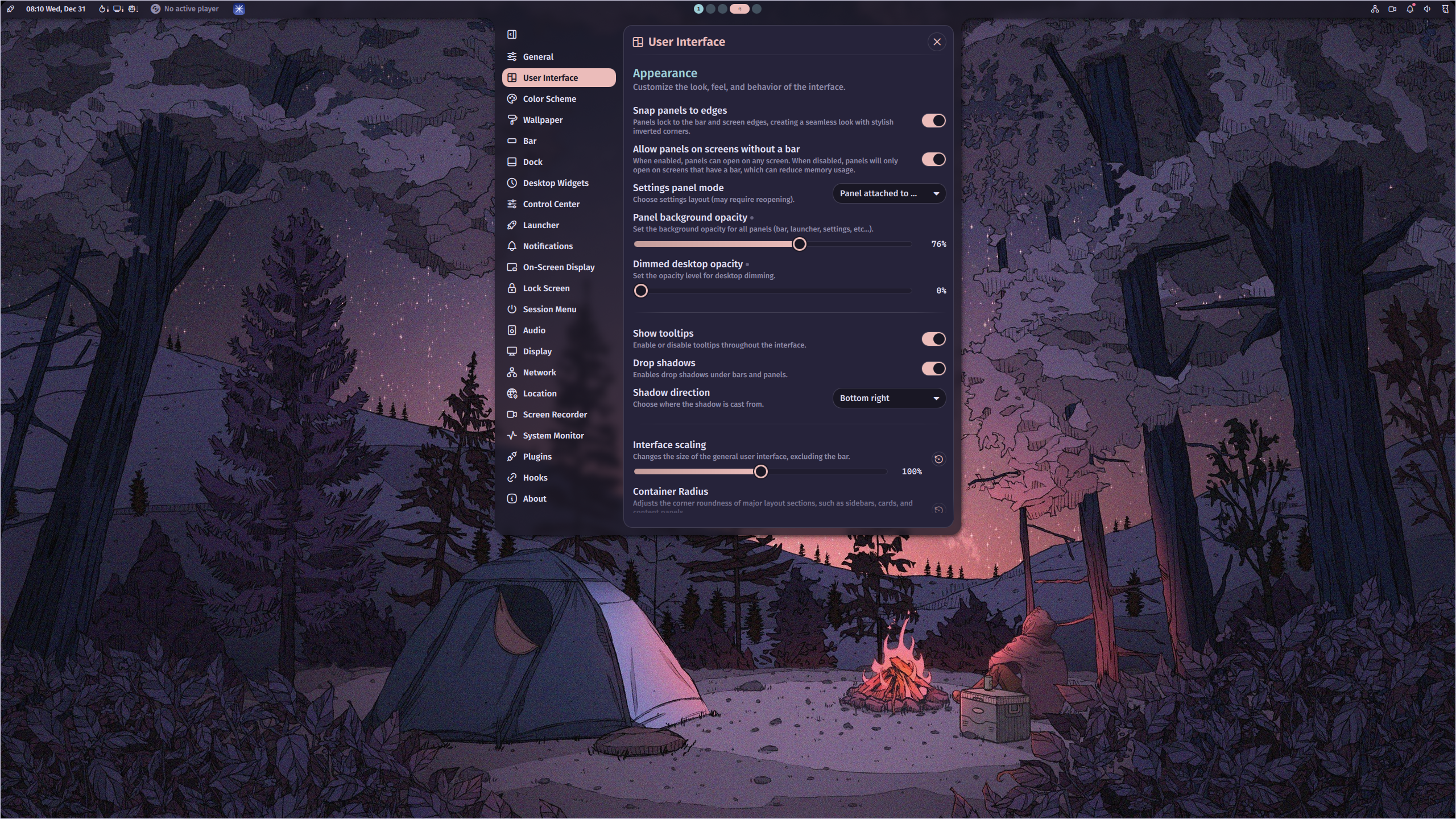
layerrule {
	name = noctalia
	match:namespace = noctalia-background-.*$
	ignore_alpha = 0.5
	blur = true
	blur_popups = true
}
Fine-tuning the blur effect Adjust the
ignore_alphavalue in Hyprland alongside these Noctalia transparency settings to achieve your desired look:
- Panel background opacity - Controls panel transparency
- Bar background opacity - Controls bar transparency (optional)
- Dimmed desktop opacity - Controls the full-screen blur when a panel is open